Troubleshooting 💩
Welcome to the Showpad Survival Guide - your beacon of hope in the murky waters of Showpad development. If you've found yourself here, you're likely experiencing one of Showpad's many... let's call them "quirks".
This guide aims to document the common pitfalls, gotchas, and head-scratchers that Showpad developers encounter. While Showpad is a powerful platform, its documentation can be sparse, its error messages cryptic, and its behavior sometimes unpredictable. When support tickets move at glacial speeds and deadlines loom large, this guide is here to help.
Since Showpad has a habit of silently updating both their SDK and documentation, we've included "last checked" dates with each issue.
Tips
If you follow instructions from the documentation, it is good to question the documentation as well, else a lot of time can be lost thinking you made the mistake.
SDK
Not all methods work offline

As Showpad uses their offline support as a hard selling point, it seems that some necessary methods are, in fact, not available offline. Event though this isn't mentioned anywhere in the documentation.
Those methods (retrieved from their compiled SDK codebase) are:
- isAdmin
- createStore
- getShowpadOauthApi
- getShowpadOauthApiInteractive
- refreshShowpadOauthApi
- getShowpadInstance
- getSalesforceInstance
- setGlobalStoreEntryValue
- deleteGlobalStoreEntry
No support for any function that requires admin privileges, event with approval using getShowpadOauthApiInteractive.
Conclusions we can draw from this:
- Offline admin-like features we build are not possible.
- Global AppsDbStore is not accessible when offline. There is no way to share data between different instances of the app. (unless we build a custom solution with a local AppsDbStore as cache layer when offline).
Last check: 30/06/2025
Empty AppsDb = No AppsDb Error
A common issue. When you know the appsDb exists but is empty, you will get an error, telling you that the appsDb doesn't exist, yet it also tells you that this error may occure when the appsDb is empty.

This only seems to happen when the appsDB never contained any data before the data-retrieval methods are called.
Last check: 30/06/2025
Parallel requests to Showpad's api fail
All requests to Showpad's api (made by the SDK) will fail if they are made in parallel with another already running request. Make sure to wait for a previous request to finish before making another one.
 Error thrown will be vague and not helpful
This issue is for all api requests (AppsDB, assets, ...).
Last check: 30/06/2025
Bad Request Errors
There may be many reasons behind the triggering of a bad request error in Showpad. Since it only throws a generic error, it is hard to know what went wrong.
Here are some common ones to check for before spiralling into a meltdown:
- Headers in call are missing or incorrect.
- Payload format is incorrect (missing fields, wrong type, invalid json, ...)
- Appsdb id/name contains invalid characters (points/dots/periods are not allowed)
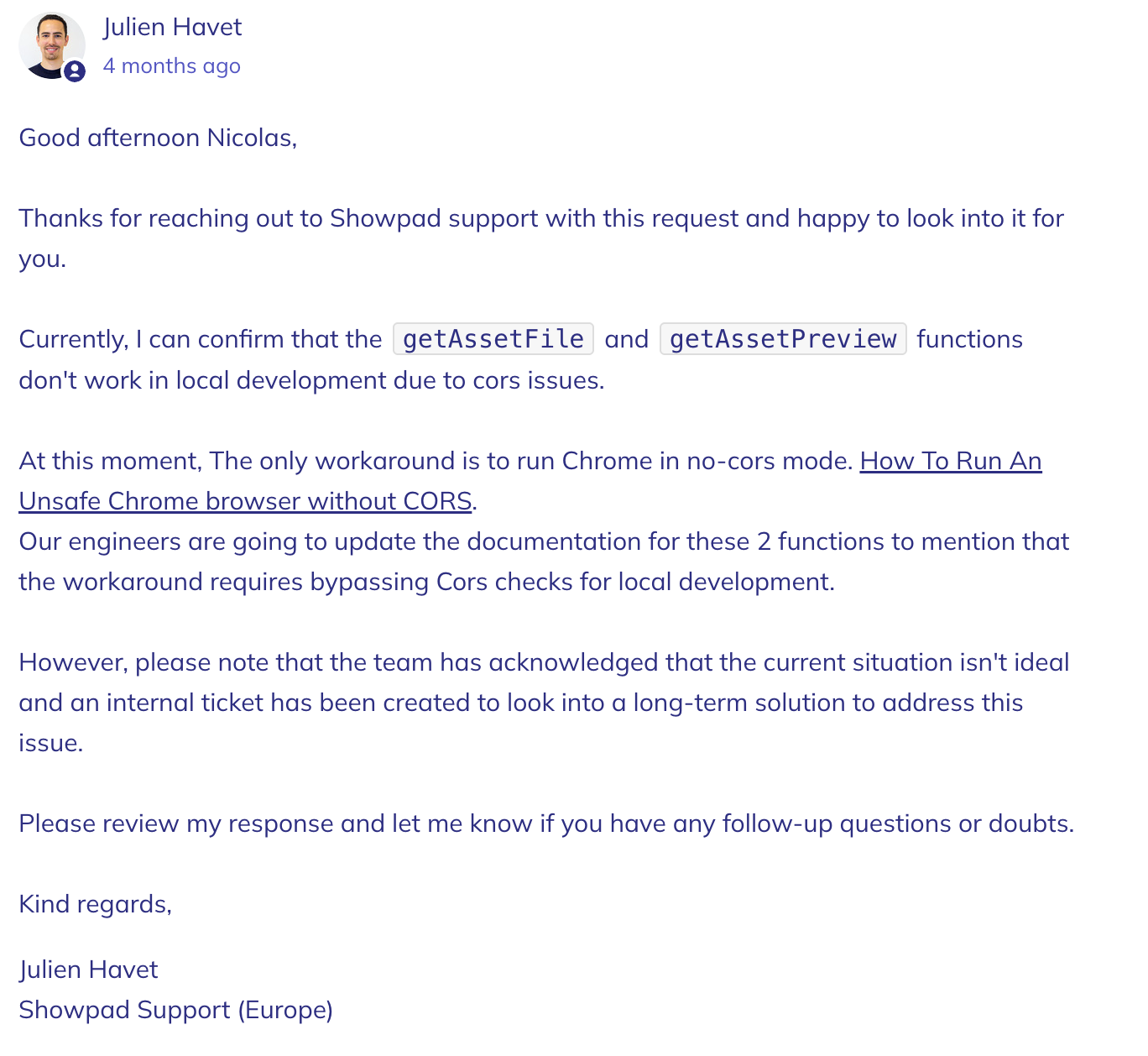
Local asset requests fail with CORS error.
During local development, asset requests fail with a CORS error. It is a known issue on their side, but hasn't been fixed yet.
Workaround
Use a browser instance with CORS disabled or use our script to do the same with a temporary profile:
#!/bin/bash
TEMP_PROFILE_DIR="/tmp/temporary-chrome-profile-dir"

mkdir -p "$TEMP_PROFILE_DIR"

open -na "Google Chrome" --args --user-data-dir="$TEMP_PROFILE_DIR" --disable-web-security --disable-site-isolation-trials
Save script into a .command file and run it using the terminal.
Their original response:
Last check: 17/02/2025
SKD Promises don't resolve or throw errors.
When the SDK does not resolve its promises, it may be that the library is not initialised yet. Initialising the the library first with onShowpadLibLoaded will fix this.
If it doesnt fix the issue, a probable cause would be that 2 different sources are used to load the SDK and only having 1 of them initialised. This should be avoided at all costs, pointing to a single source will fix this issue.
getShowpadInstanceInteractive Promise doesn't resolve
Can be cause when the password window is not closed manually before refreshing or re-accessing the page where the popup is triggered. The SDK keeps track of the open/close state of the window in the localStorage. Not having it reset, will tell the sdk the window is already open. In that case the promise will never resolve.
Fix:
Clear the localStorage entry manually using the inspector.  Only removing this entry will reset the state of the window without requiring to login again.
Last check: 30/06/2025
Video asset won't load/play in the page on the iPad
One of the issues we encountered that caused the video asset to fail to load/play in the html page was due to video file size. An assumption we made by testing with other videos of a smaller size and these just worked as expected.
Fix
- Check the video file size, try with smaller files to see if the issue persists.
Plaform
Update message won't show up
When a new update is pushed to Showpad, it may happen that the update message won't show up. This is can be caused by not having used the 'save' or 'exit' buttons when moving away from the editor before the update is pushed.
Fix
- Open the editor
- Click on the 'save' or 'exit' buttons
- Reopen the editor to see the update message showing up
Editor mode freezes after publish
It may happen that the editor freezes when opening, config and preview don't load and everything in the Showpad UI stops working.
Publishing a new version won't work either, since a previous session of the editor is still open (see: Update message won't show up).
Yet since the editor freezes, the 'save' and 'exit' buttons are not available either.
Fixing this issue is a tedious process. Every test you want to do involves the following steps:
- Publish the fix to test to Showpad
- Delete the existing experience (since there is no way to update an existing experience with the freezing UI)
- Create a new experience after the testable fix is published and installed
- Publish the new experience (make sure settings fields are filled in the config)
- Test the fix
- Repeat the process until the fix is working
We've had one scenario where this happened. It was due to and invalid config object provided by the a newly published version of the experience app, that somehow passed their validation tests during the publishing process.
The config object had fields that were null instead of a valid field definition.
{
    "labels": {
        "path": {
            "to": {
                "list": {
                    null,
                    null,
                    null
                }
            }
        }
    }
}
Making sure this error was fixed, fixed the issue with Showpad's editor UI.
Config override?
The old publishing process of experience apps had a handy checkbox that told Showpad to override all the values of the current Config object used by the experience app.
Update process when unchecked (default):
- Fields that exist, are left unchanged
- Fields that disapppeared in the new config object, are removed from the instance
- Fields that are new in the new config object, are added to the instance
Update process when checked:
- Whole config object is replaced with the new one, cuasing edited fields to be reset to their default values and asset fields to loose their link to the asset.
The new publishing process does not have this checkbox, any... more...
They've added this to their internal ticketing system so it can be addressed by their development team, yet from experience we will never know if and when this will be processed.
In the meantime, we can only override a full config by doing the following:
- Delete the current experience instance
- Create a new experience instance
Config override doesn't work
It may happen that the old trusty config override doesn't work or has a delay, that is an issue on their side and can not be resolved by us. It can be resolved by re-trying the upload
New deployment method not flexible enough
Our bigger clients have rollout processes for updates to their experience apps. They use libraries as a way to differentiate between markets so they don't update the whole app for all markets at once. Which is handy for rolling out new products and stories when some markets need to wait for the update while other markets can already use the new content.
This was manageable when they had to work with .showpad files and had to manually upload them to every experience.
The new deployment method does not allow for this flexibility. It is limited to installing 1 app in either all libraries or a select number of libraries. Updating that one app, will require the update on all installed experiences.
Publishing takes a very long time.
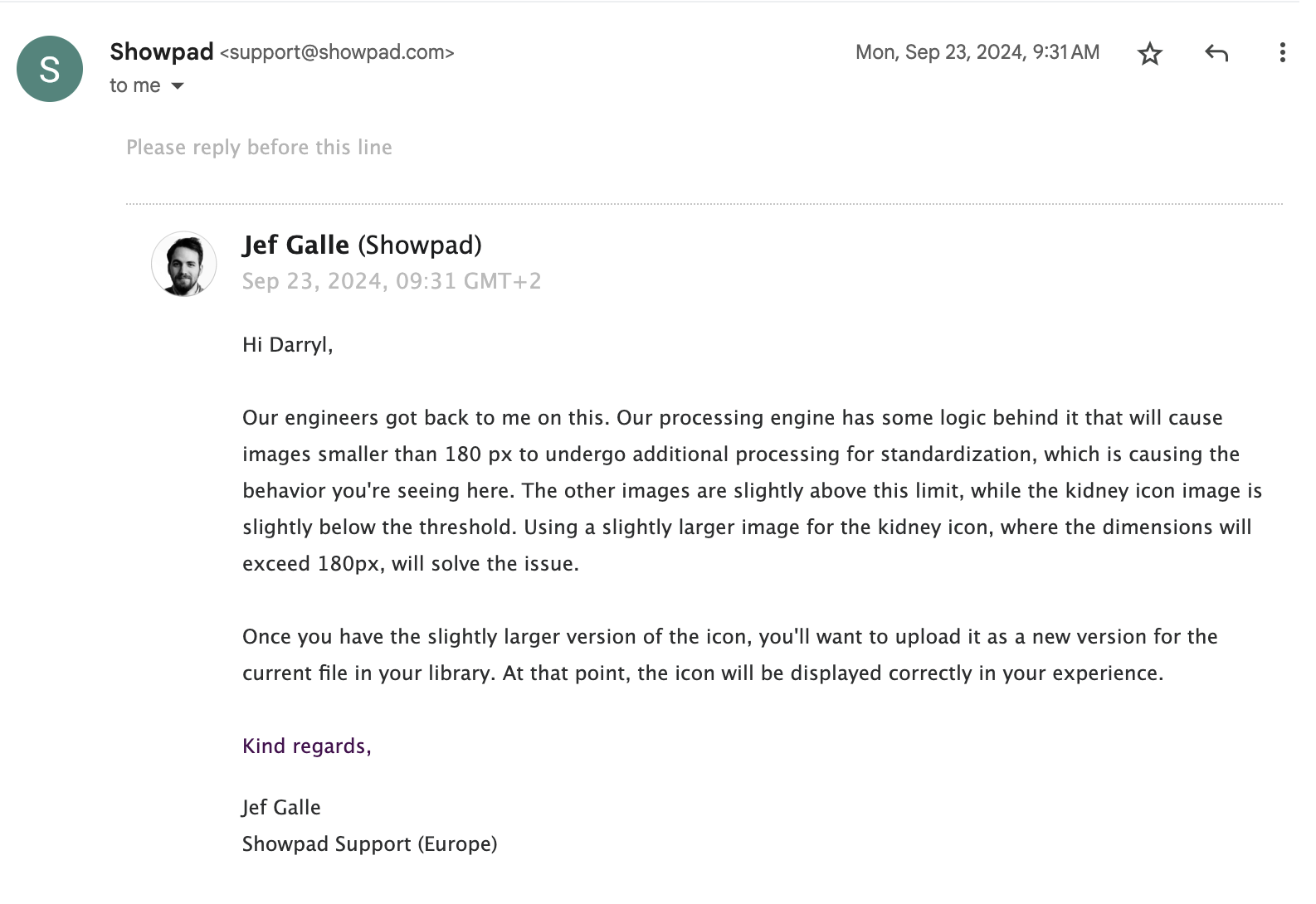
Uploaded images as assets get extra padding
Showpad requires an undocumented minimum width and height for images. When images are smaller, they recieve extra padding to increase the size of the canvas to the minimum size.
Minimum size is 180x180
Last check: 24/09/2024
GetTemplateConfig not found
A correctly structured app/showpad file can still trigger an the GetTemplateConfig error.
The only fix:
- Retry the upload again, a little bit later.
Last check: 10/03/2025